Switch and migration

How a bridal store moves off BridalLive or Bridal Web Solutions

RingUps migrates a bridal store by reading your own exports, reconciling them against your own reports, and loading the result as one batch that can be rolled back. The one migration RingUps has run end to end moved 2,902 brides, 3,820 appointments and 1,391 orders for Cande Bridal Boutique in Kelowna, British Columbia.

Book a fifteen-minute demo on your own data Read the migration
Brides migrated
2,902
Products matched
624 of 625
Rollback
By batch id
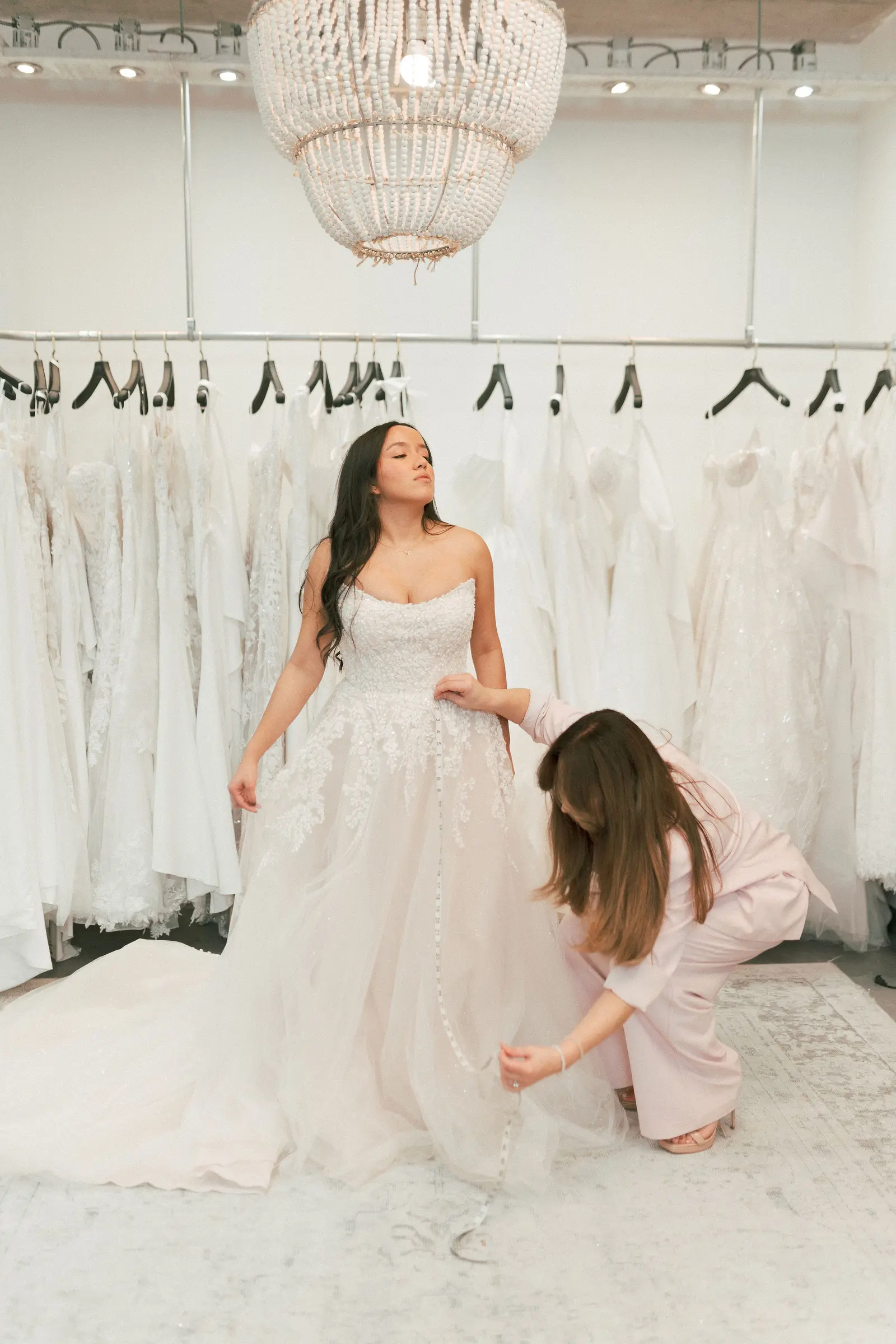
Adriana Garcia on the sales floor at Cande Bridal Boutique in Kelowna, British Columbia
Cande Bridal Boutique, the store whose twenty years of records became the first RingUps migration.
One migration, verified

What actually moved off Bridal Web Solutions

These are the figures from the Cande Bridal Boutique migration, verified against the production database on 4 August 2026. The store has been trading since, so the live totals today are higher. A current total is not a migration figure and this page does not present one as the other.

Cande Bridal Boutique migration, verified 4 August 2026
RecordFigure
Bride records2,902
Appointments3,820
Historical orders1,391, totalling $2,275,597.72
Payments2,341, totalling $2,161,190.44 net of 43 refunds
Gown styles catalogued625
Gown photographs pulled off the vendor's servers and rehosted427
Per-unit floor inventory500
Suppliers and divisions23 suppliers, 49 divisions
Products matched to a catalogue row624 of 625

The single product that did not match was a row called Credit. It is not a gown. It is a bookkeeping line their system stored in the product table, and no honest match existed for it, so it was left unmatched rather than forced into the catalogue.

How it works

How does RingUps get your data out of the system you are on today?

Three routes, in this order. Most of the work is in the first two. The third is the one nobody warns you about.

01

Your own exports

Bridal Web Solutions ships 47 export files. We take all of them, including the per-unit inventory export, and read them against each other rather than trusting any one of them. Where two files disagree, the disagreement goes in the report instead of being silently resolved.

02

An authenticated read of your own records

Some of what you own is on the vendor's servers rather than in any file. That is how 427 gown photographs were pulled down and rehosted for Cande Bridal Boutique. It runs with your credentials, against your records, and only where your contract permits it.

03

Configuration captured by hand

Your contract wording, your templates and your supplier lead times sit in screens, and no export file carries them. They were transcribed from a live session before the subscription lapsed. This is slow, and it is the part that has to happen before you cancel anything.

Every load is a batch, and every batch has an undo

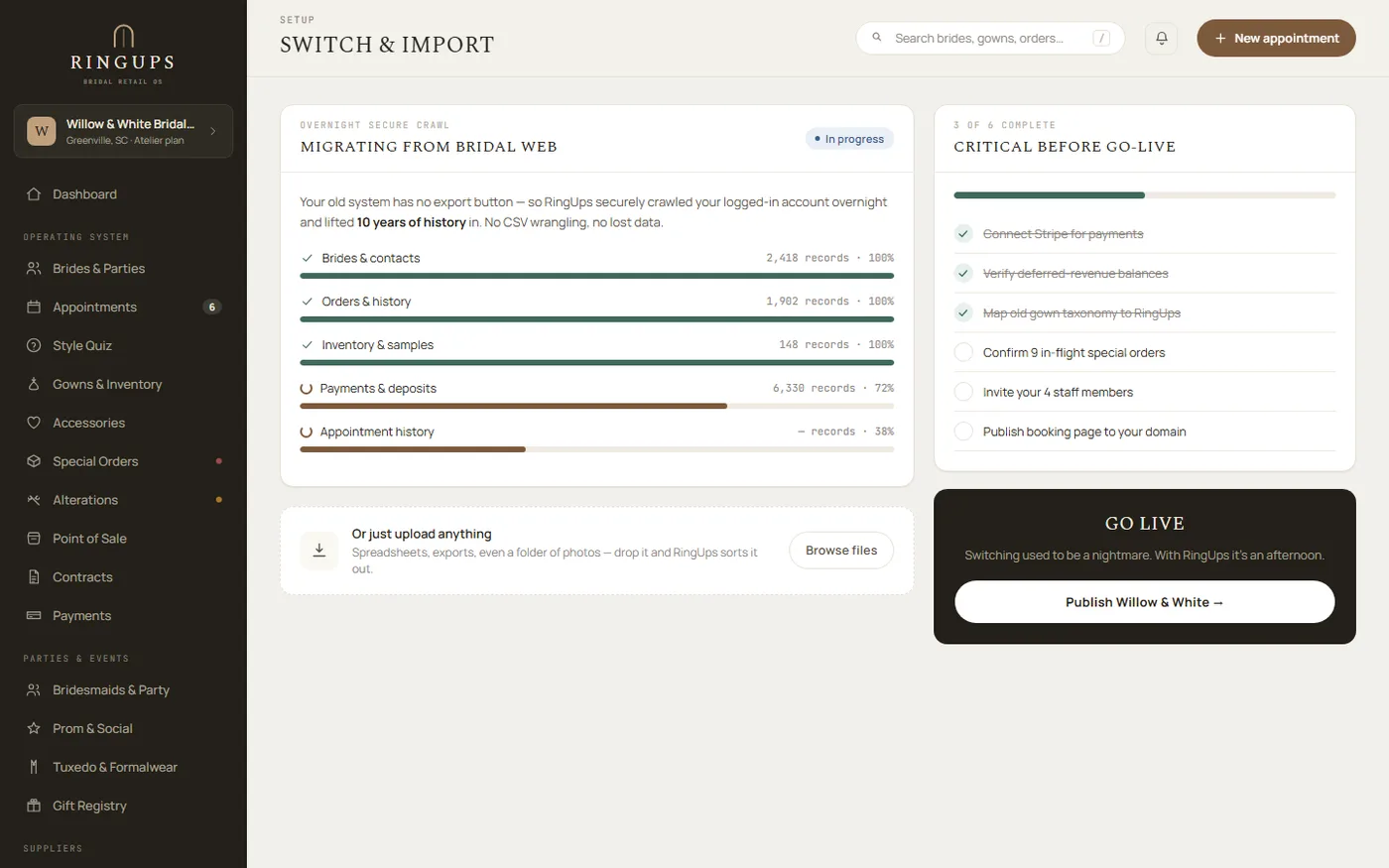
The import screen shows exactly what went in, what was held back, and why. The figures below are the real ones from the Cande Bridal Boutique migration.

Nothing is loaded from a file we have not first reconciled against a second file from the same system.

RingUps import screen listing an Orders batch and a Payments batch, each showing rows imported and rows skipped, with a roll back this batch control
Reversibility

What happens if the import is wrong?

Imports are reversible in one click. That sentence is worth stating precisely, because a vague version of it is what every vendor says.

Every row RingUps writes during an import carries three things: the organisation it belongs to, the system it came from, and that system's own reference for the row. Those three together are unique. Run the same file twice and the second run updates the rows it already wrote rather than creating a second copy of your store. Every load also carries a batch id, and rolling back that batch id removes exactly the rows that batch wrote and nothing else.

In practice this means a dry run is free. Load your history, walk your own floor through it on a Tuesday afternoon, decide it is wrong, roll it back, and try again with a better mapping.

The Cande Bridal Boutique team on the shop floor in Kelowna, British Columbia
Restraint

The rows we refused to load are the reason to trust the ones we did

228 orders in the Bridal Web Solutions export had no bride attached to them. A migration that wanted a better success rate would have invented one, or attached them to a placeholder customer, and nobody would ever have known. They were skipped.

2,759 payments carried no order number. Guessing which order each belonged to would have produced a tidy ledger and a false one. They were skipped too, and the owner was told which ones they were.

We found the mess, we refused to guess at it, and we told the owner not to collect on it.

Reconciliation

Why you should not trust the numbers your current system is showing you

None of the findings below came from an audit we were asked to do. They came out of reading one store's own exports carefully enough to load them. Every one is checkable from inside Bridal Web Solutions by the owner who is still paying for it.

Findings from reconciling Cande Bridal Boutique's own exports against each other
FindingWhat the data showed
Their exports disagree with each otherOn order 872, the SalesTax export, the Payments export and the system's own line data give three different answers.
Their screens disagree with their exportsCategory Defaults reports 655 units in stock. Their own inventory export reports 506.
Wrong-signed reversals93 lines across 59 orders, worth $141,807.75, were recorded with both a negative quantity and a negative price, so they read as positive charges. Roughly 78% of an apparent $384,659.89 receivable was an artefact of that.
Tax rebuilt from scratchThe sales export carried no tax at all, so tax was reconstructed for all 1,391 orders. 36 exception invoices were then corrected against a second report, catching a $3,253.05 overstatement.

Before you compare software, ask an owner to reconcile their current system against itself.

Lock-in

What is it that actually dies with the subscription?

Not your records. Bridal Web Solutions ships 47 export files, including a per-unit inventory export, and an owner who has clicked Export All Suppliers To Excel knows that. It is a deep system, dating to 2006, with about 85 reports across 156 pages.

What no export file carries is your configuration: the decisions you made over years, written into screens rather than into data. None of the 47 files carry it. At Cande Bridal Boutique every item on the right had to be transcribed by hand from a live session before the subscription ended, and if the subscription had ended first they would simply have been gone.

This is the reason the honest advice is to start the move while you are still paying for the old system, not after you have cancelled it.

Captured by hand, not exported
  • Contract bodies across 12 templates
  • Email template bodies
  • Scheduled message rules
  • Supplier lead times
  • Size charts
  • Booking-builder configuration
  • Per-bride notes
The timeline

Week by week, what switching to RingUps looks like

This is the order the Cande Bridal Boutique move ran in. How long each step takes depends on how much history you have. The cutover itself is one weekend, and it is the shortest part.

  1. Week 1

    Pull everything, change nothing

    You: run every export your system offers and send us the lot. Us: read them, count them, and tell you what they contain. Your store carries on exactly as it is.

  2. Week 2

    The reconciliation report

    Us: cross-check each export against the others and hand you a written list of every place your own files disagree. You: decide which side of each disagreement is true. This is the week that finds the wrong-signed reversals.

  3. Week 3

    A dry run you are meant to roll back

    Us: load the whole history as one batch. You: look up ten brides you know by heart and tell us what is wrong. Then we roll the batch back by its id and load a corrected one.

  4. Week 4

    Configuration, and training the floor

    Us: transcribe the contract bodies, templates, lead times and size charts that no export carries. You: two training sessions, one for the floor and one for orders and the workroom. Nobody learns a new system on a Saturday.

  5. Week 5 · cutover

    Thursday export, Monday open

    You: take the final export after close on Thursday, then keep trading on the old system through the weekend. Us: load and reconcile alongside you. Monday the floor opens on RingUps. You did not close.

Your side of it

What we need from you, in full

Nine things. Most of them are files you already have. Two of them need a person for an afternoon, and those are the two that decide whether the move is good or merely finished.

Do all nine before you give notice on your current contract, not after.

  1. 01Every export your system will produce, not the two you think matter. Disagreements between files are the finding.
  2. 02A second report covering the same money, so tax and totals can be checked rather than trusted.
  3. 03A live session with someone who knows the old system, for the configuration no file contains.
  4. 04Your contract wording, in whatever form it currently exists, including the clauses you edited once and forgot.
  5. 05Your supplier list with lead times as you actually use them, not as the vendor set them up in 2014.
  6. 06A list of your open orders from the floor, so the import can be checked against what you know is outstanding.
  7. 07Ten brides you know by heart, to check the dry run against. This finds more than any report does.
  8. 08Your staff list and who does what, so logins exist before the training session rather than during it.
  9. 09Two afternoons of training, booked in advance, in a week that is not your busiest.

How do I move off BridalLive?

The same three routes apply: your own exports first, an authenticated read of the records held on the vendor's servers second, and configuration transcribed by hand third. What changes between vendors is only which of the three carries the most weight.

Being straight about it: the one migration RingUps has run end to end was off Bridal Web Solutions, and it is the migration every figure on this page comes from. A BridalLive move would run the same way, through the same reversible batches, with the same reconciliation report before anything loads. It would not have a five-thousand-order precedent behind it, and you should weigh that.

The practical advice is the same whichever system you are leaving. Start while you are still paying for it. Export everything, including the reports you never open. Do not cancel until the configuration is captured, because that is the part with no file behind it.

Questions

The five questions every owner asks before switching

How long does switching to RingUps take?

Switching is mostly reading, not loading. The timeline on this page runs in order: exports and a first read, a reconciliation report, a dry run you roll back, configuration captured by hand, then the cutover weekend. At Cande Bridal Boutique the cutover was a Thursday export and a Monday open, and the store traded normally in between. How long the earlier steps take depends on how much history you have.

Can I undo an import?

Yes. Every imported row is written against your organisation, the system it came from, and that system's own reference for the row, so importing the same file twice updates rather than duplicates. Every batch carries an id, and imports are reversible in one click by that batch id.

What will I lose when I move off Bridal Web Solutions?

Your records come across. Your configuration does not. Bridal Web Solutions ships 47 export files, and none of them carry contract bodies, email template bodies, scheduled message rules, supplier lead times, size charts, booking-builder configuration or per-bride notes. At Cande Bridal Boutique those were captured by hand from a live session before the subscription ended.

Does my payment and deposit history come across?

Payment history does. At Cande Bridal Boutique 2,341 payments totalling $2,161,190.44 net of 43 refunds were migrated. Deferred revenue is the honest exception: the import never replayed the ledger, so the deferred-revenue tiles read zero for imported history and only start filling from the day you open on RingUps.

Do I have to close the store to migrate?

No. At Cande Bridal Boutique the export was taken after close on the Thursday, the store kept trading on its old system through the weekend, the load and the reconciliation ran alongside it, and the floor opened on RingUps on the Monday.
Where to go next

Bring your export and we will read it in front of you

Fifteen minutes on your own data, and an honest answer about what will come across, what will have to be typed, and what your current system is telling you that is not true.

Book a fifteen-minute demo on your own data See pricing